
- Events
- Calendar
- Special Events
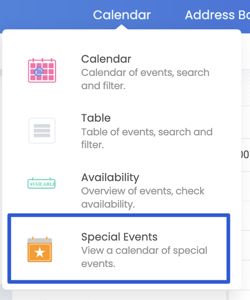
- Special Events
- Add Special Event
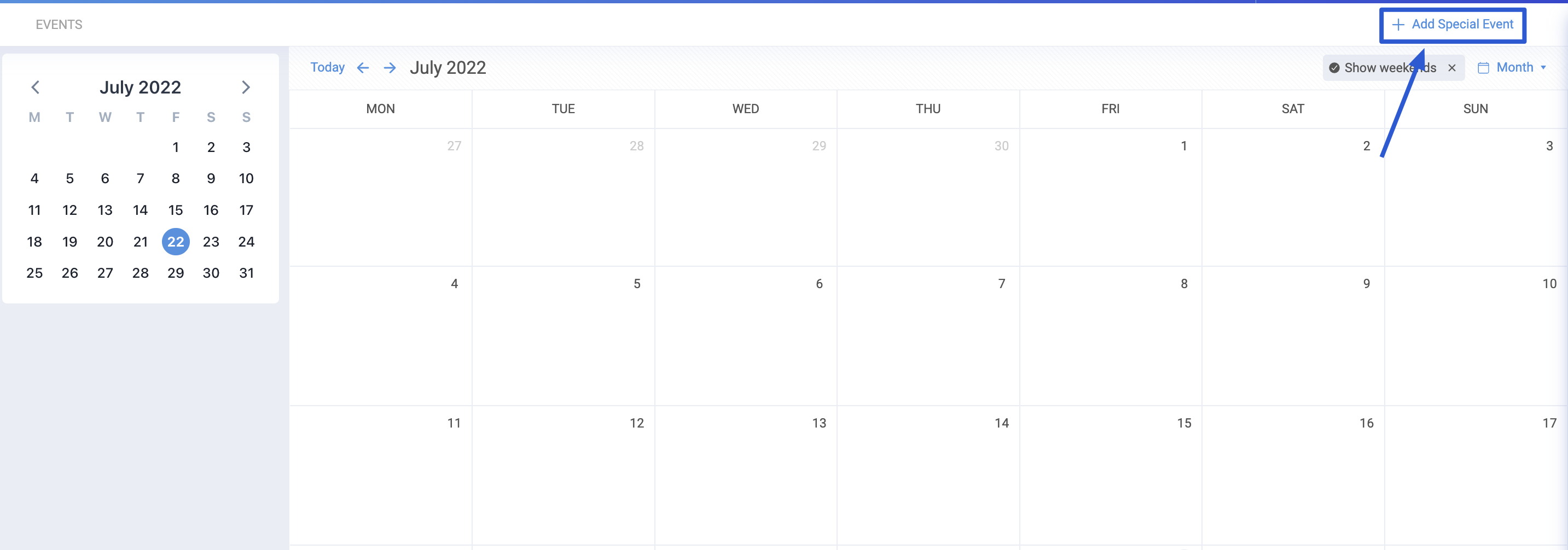
- Add the title, start, end date and time.
- Select the kind of Special Event.
- Add a Note, if applicable.
- Click Save.

- Your special event is now logged in the calendar.

Where the Special Events can be seen.
- Your Special Event will display on the calendar.
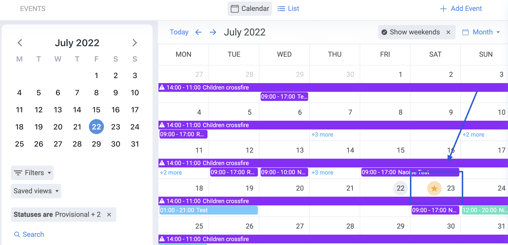
- The star indicates a Special Events

- If you hoover over the Star, your Special Event title will appear.
- Click on it and it will bring you to the Special Event date.
Need help creating an Event, click HERE.